Set up Alexa voice control
Note: The VREEDA skill for Amazon Alexa is not yet available, but is coming soon. The following guide already shows you how the setup will work.
In this tutorial we show you how to connect your VREEDA lamps to Amazon Alexa. Afterwards you can control your lamps directly from the Alexa app and of course by voice command.
Requirements: You have a VREEDA user account, at least one lamp added in the VREEDA Lighting App, and an active Amazon account.
1. Install the Alexa app
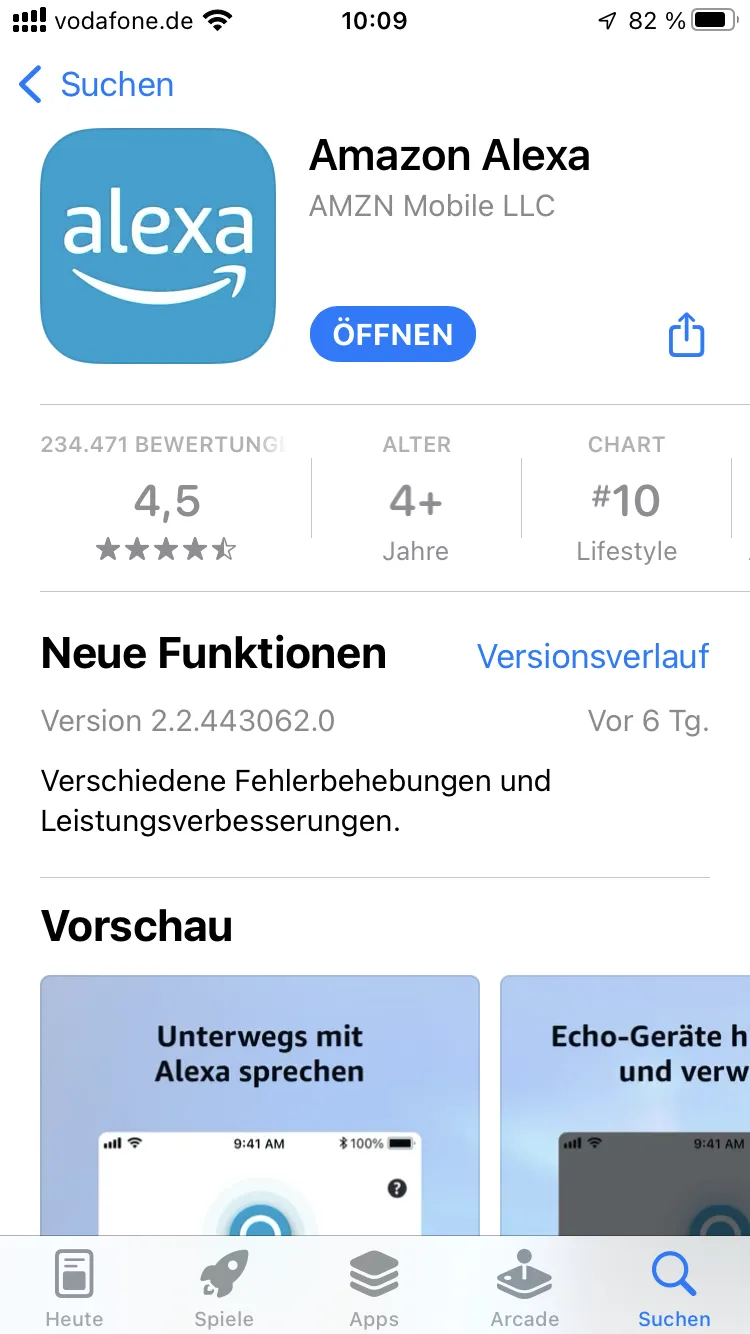
Download the Amazon Alexa app from the App Store (iOS) or Google Play Store (Android) if you don’t have it yet, and sign in with your Amazon account.
2. Search for the VREEDA skill
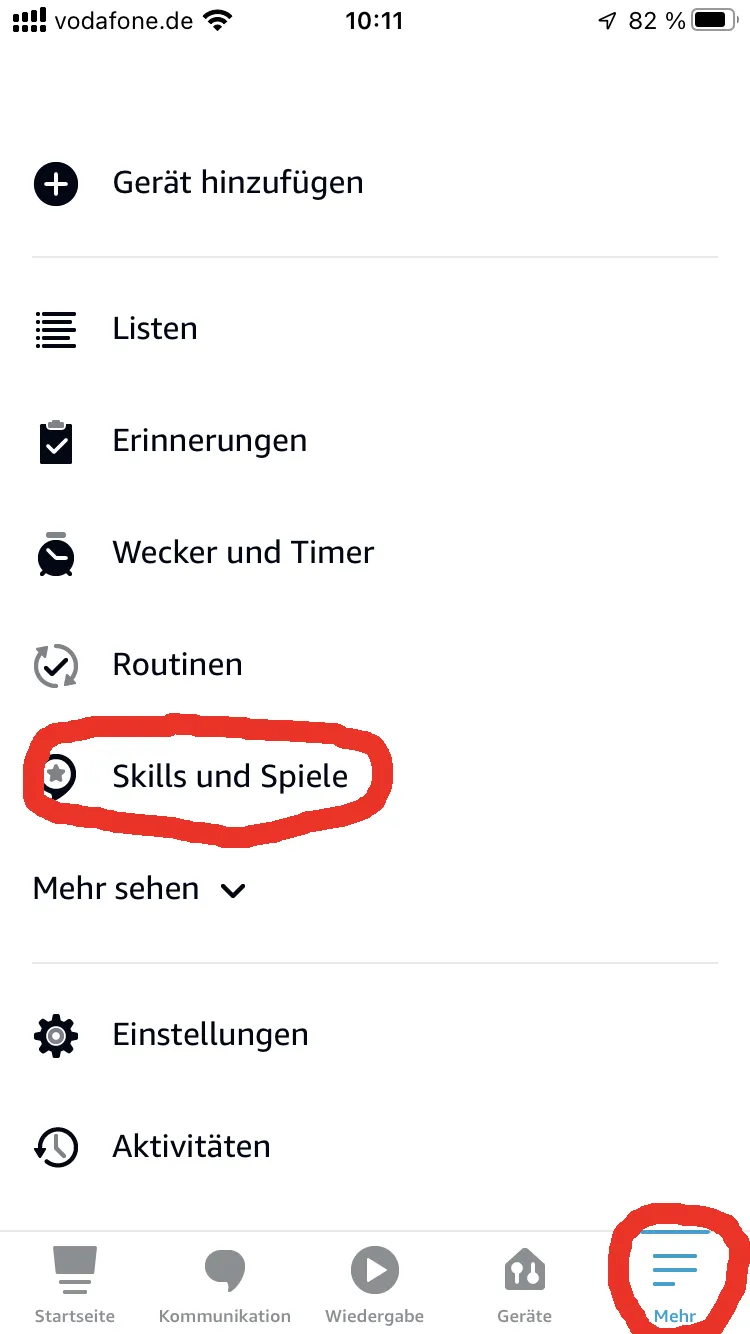
Open the Alexa app, tap More in the bottom right, and select Skills & Games.
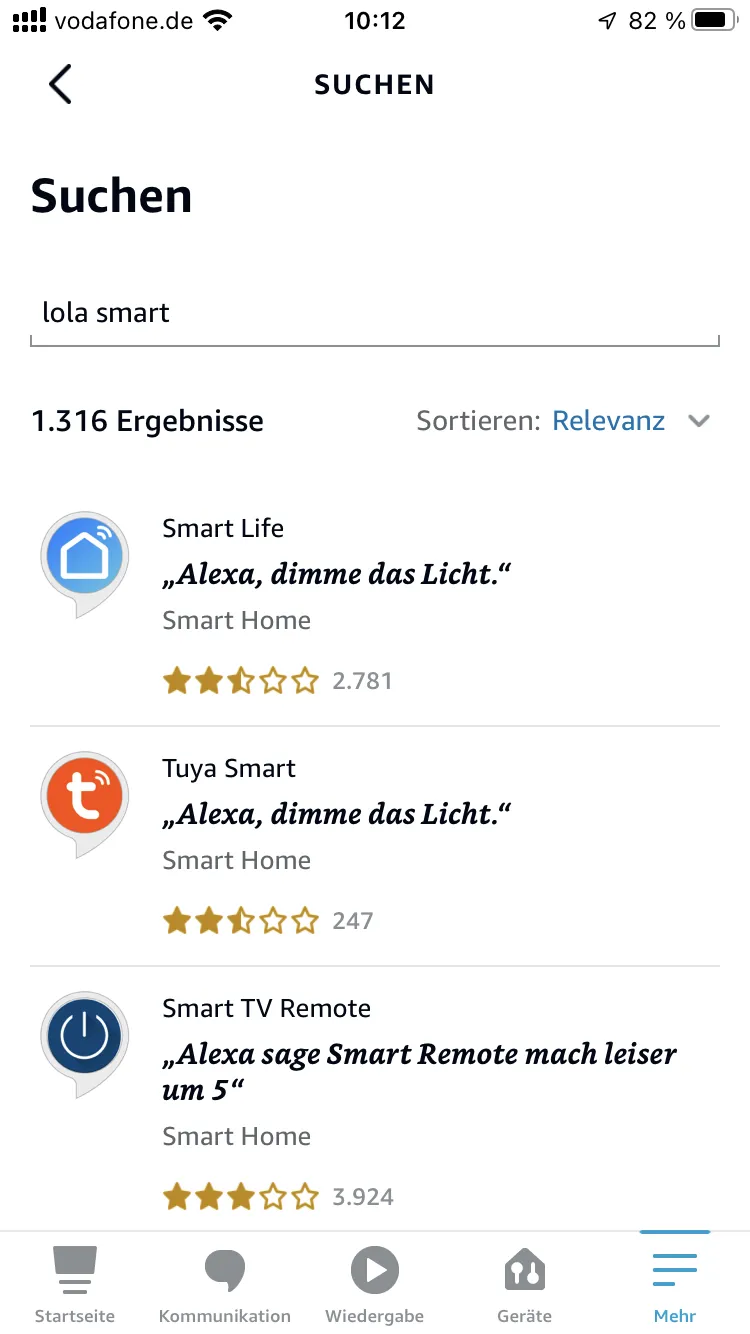
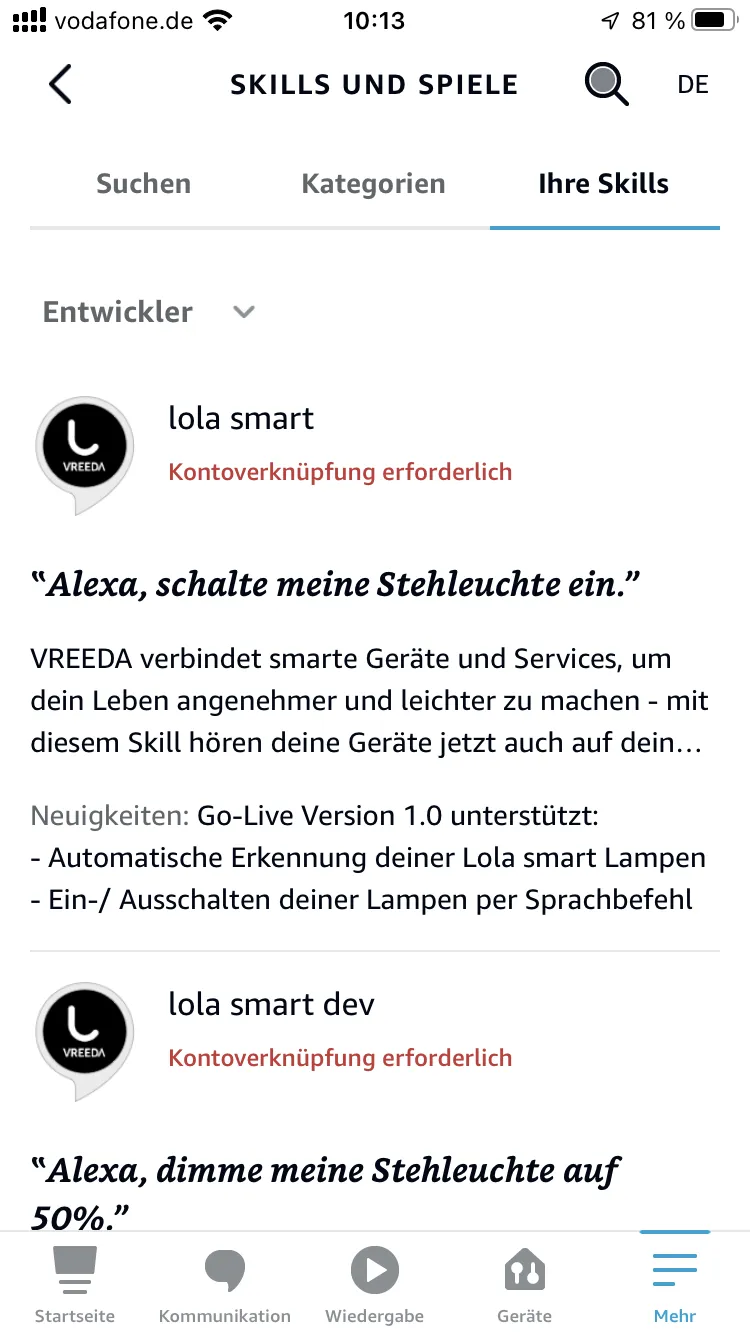
Search for VREEDA in the skills section and select the matching skill.
3. Enable the skill
Tap Enable to Use. You will be redirected to the VREEDA login page.
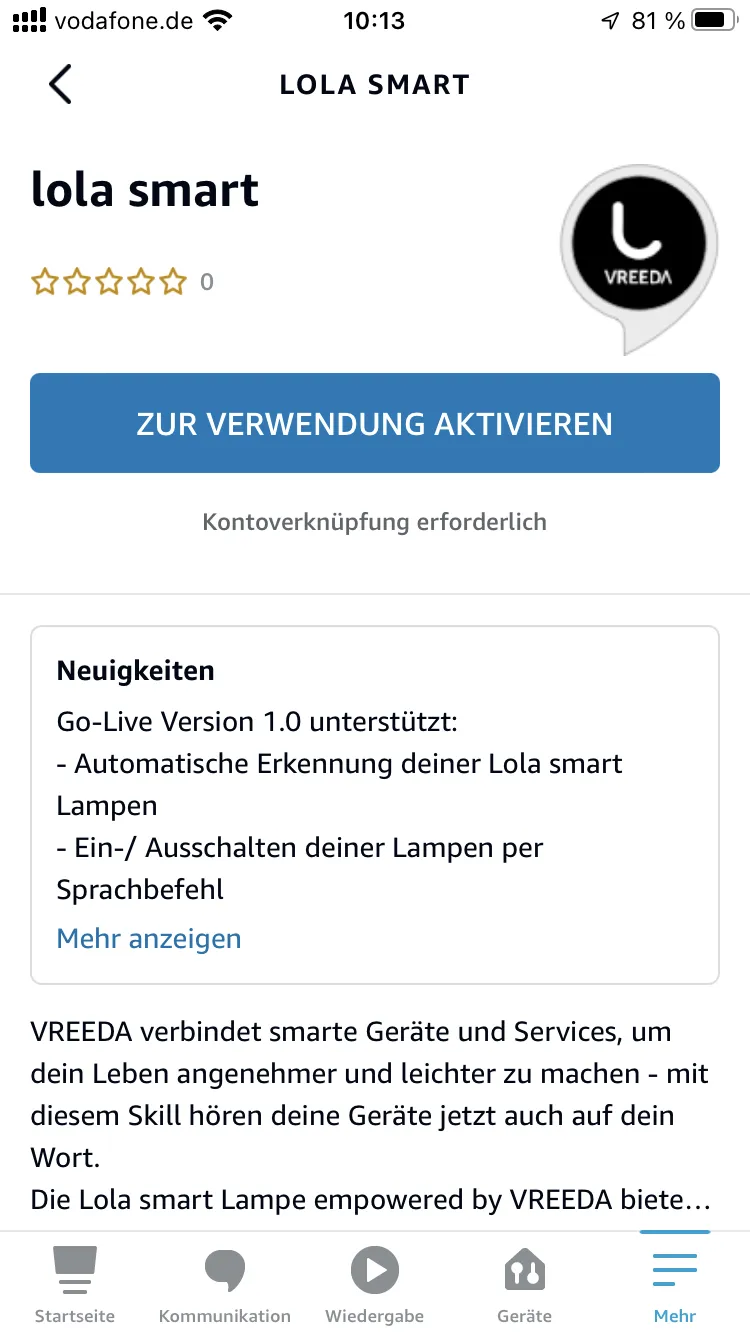
Sign in with the email address and password of your VREEDA user account.
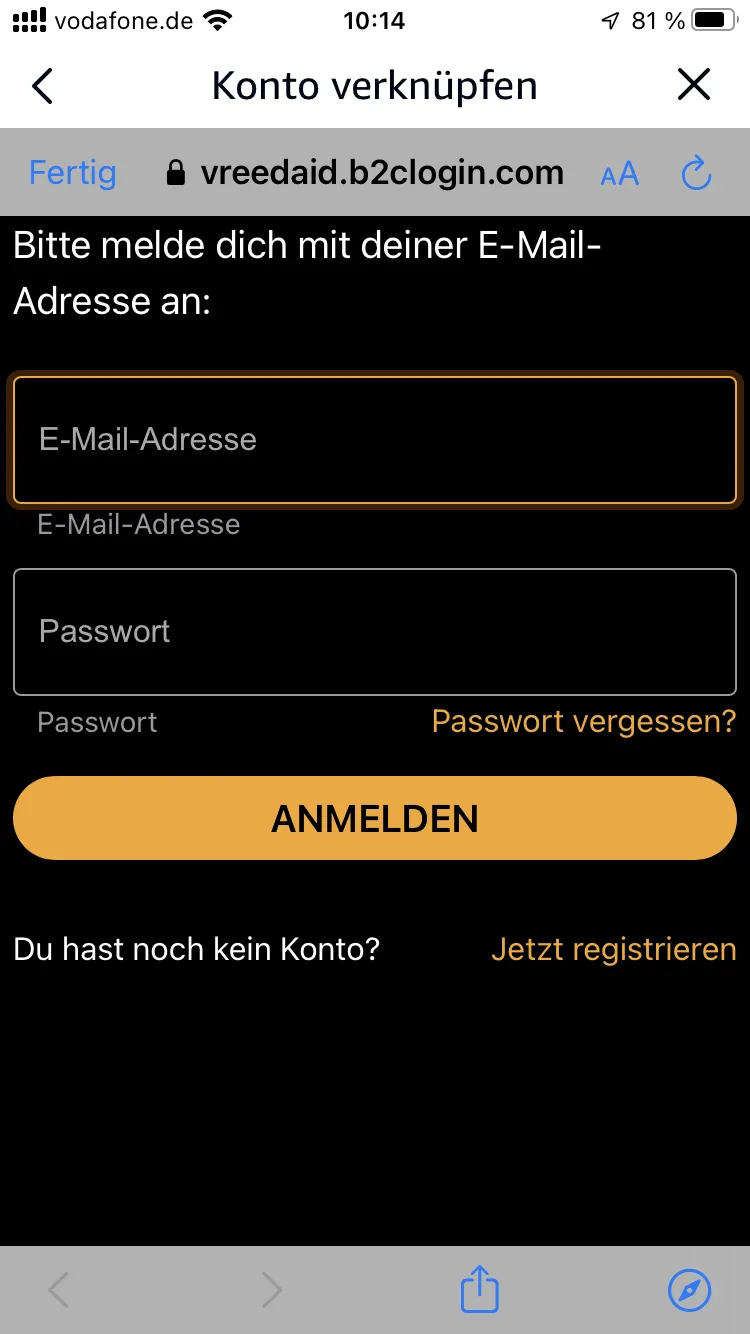
After signing in successfully you will receive a confirmation that the skill has been linked to your account.
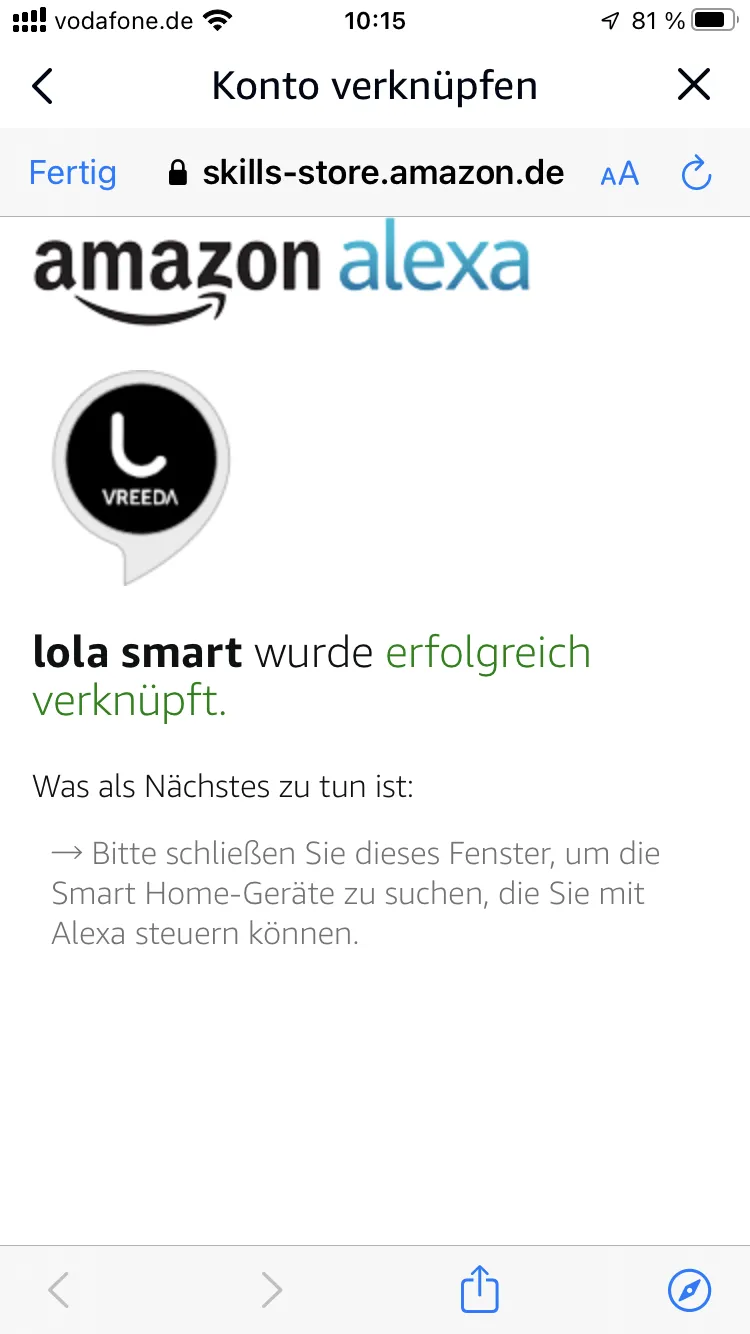
4. Discover devices
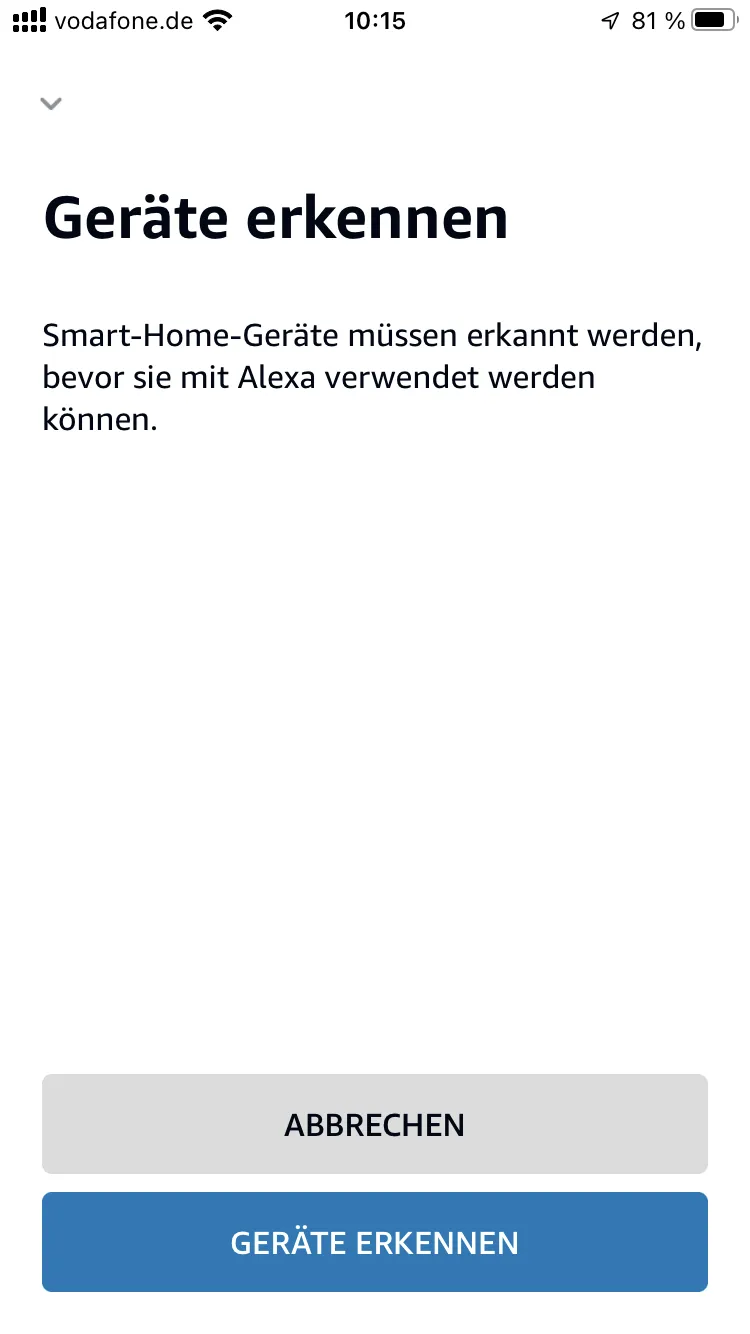
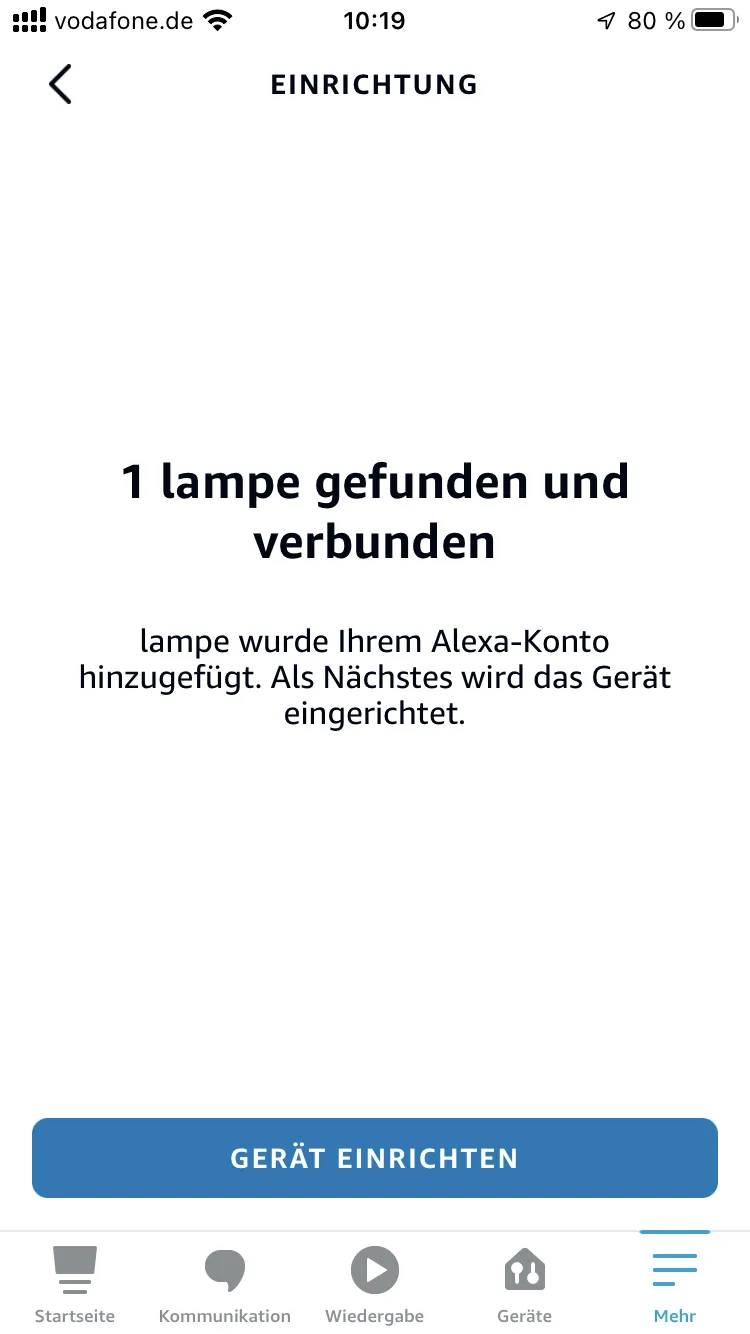
Then select Discover Devices. Alexa will automatically search for your VREEDA lamps.
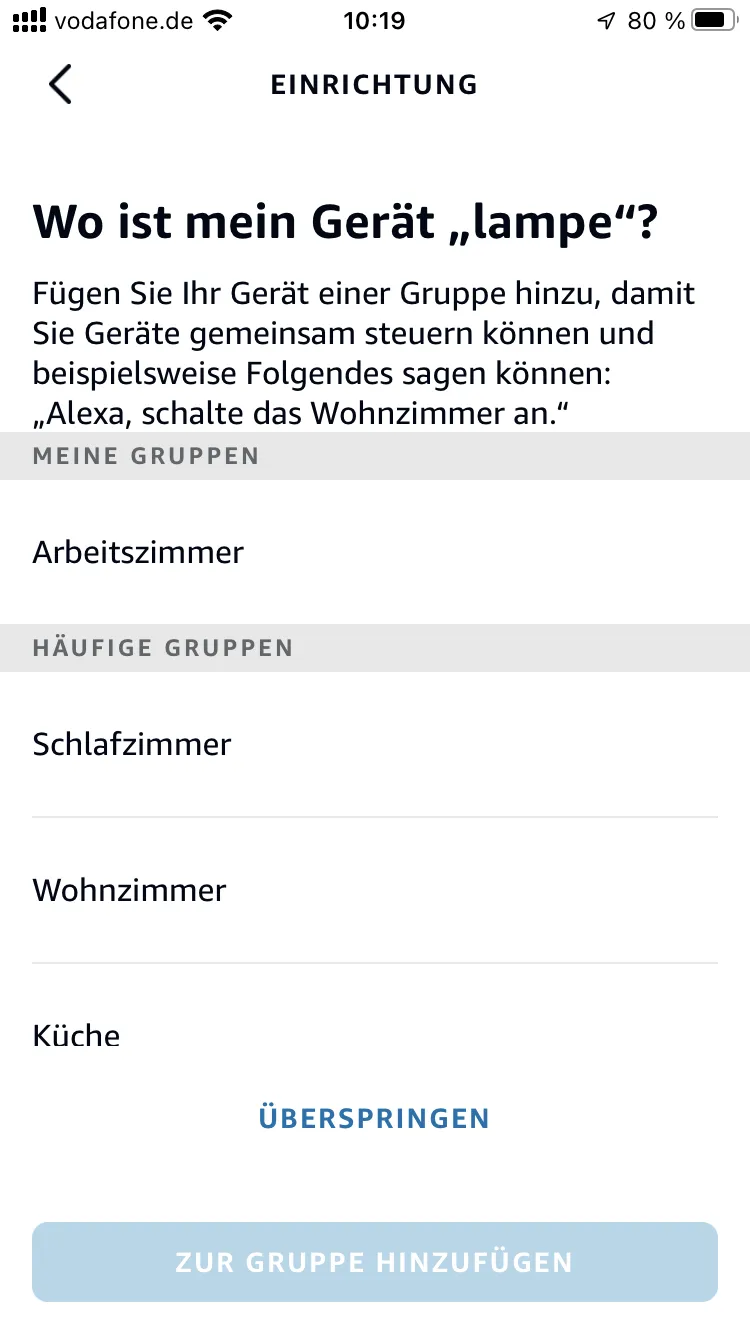
5. Assign rooms
Once the lamps have been found, you can assign them to rooms in the Alexa app. You can also skip this step and do it later.
Done! You can now control your VREEDA lamps by voice command, for example with “Alexa, turn on the living room light”.
Still have questions?
We're happy to help — create a support ticket or send us an email.